


Sign In / Sign Up To Add Wishlist
Wishlist is available for members only. Please sign in or sign up to add your wishlist.

Printing Made Easy: How to Choose the Best Home Printer for Your Needs
The right home printer depends on what you print, how often you print and whether you also need to scan or copy. Start with your printing needs, then compare the functions and ownership costs of the models that fit.

Overview
Choosing the right home printer doesn't have to be complicated. This guide explains the key factors to consider — usage, print technology, cost, and features — so you can find a printer that fits your needs and budget.
On this page
- Understand Your Printing Needs
- What Do You Need a Printer for?
- Key Features to Look For
- Ink tank vs Laser: Find your Fit
- Recommended Printers for Your Home
- Understanding Running Costs
- Setting Up and Maintaining Your Printer
- Ready to Find your Perfect Home Printer?
- Frequently Asked Questions (FAQs)
Need help choosing the right printer?
Compare and find the right printer in our all printers listing page.

Understand Your Printing Needs
Start by thinking about how you'll use your printer. Ask yourself:
- Do you print mostly documents, schoolwork, or photos?
- How often do you print?
- Do you need scanning or copying functions?
- Is wireless printing important for your home setup?
What Do You Need a Printer for?
Instead of comparing model names straight away, begin with what you expect your printer to do. Most home-printing needs can be narrowed down into three starting routes.
Start here to find the best options for your home.

Black and white documents
If you mainly print text documents, forms, or other black and white paperwork, start by considering a monochrome printer.
Regular colour printing
If your household prints schoolwork, colour documents and other mixed everyday materials, compare colour-capable printers.
Home office paperwork
A home office may require more than occasional printing. Before comparing machines, identify which functions your work actually uses.
6 Things to Check Before You Choose
A home printer should fit the way you actually print rather than simply having the longest feature list. Use this checklist to narrow down your options.

Colour or black and white?

How often do you print?

Scan and copy?

Printer Size and paper capacity

Connectivity ( e.g Wi-Fi, Mobile Printing)

Budget and running costs
Ink Tank vs Laser: Find your Fit
Ink tank Printers and Laser Printers are designed for different printing needs. Instead of asking which is better, consider what you print most often and how much your household typically prints.
Both can be good choices for home use. Here's a quick comparison.

Ink Tank Printer
Ideal choice for everyday printing
Ink tank printers are a great fit for homes that want compact, affordable everyday printing, with a low cost per page and vibrant colour or sharp black-and-white output.
- Compact, ideal for small spaces.
- Lower running cost per page
- Vibrant and vivid colours ideal for photos and everyday home use
- Refillable ink bottles
Brother Ink Tank Printers support Anti-Clog maintenance, automatically cleaning the print head when needed to maintain best print quality. Follow the maintenance instructions for the specific model for more information.
See all Ink Tank Printers here >
VS

Laser LED Printer
Built for fast document printing
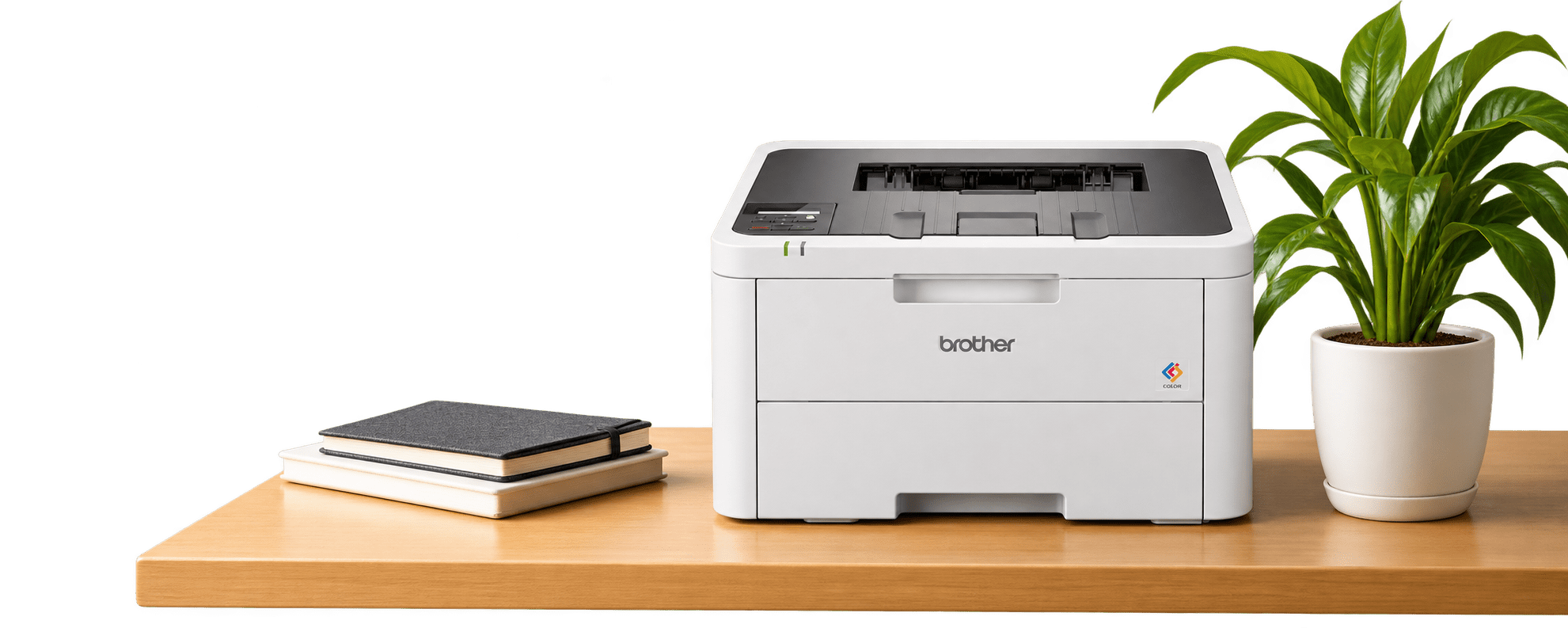
Brother laser printers are ideal for homes and small businesses that need fast printing and crisp text for documents, invoices and reports, with no ink-drying worries between uses.
- Fast prints on Demand
- Crisp lettering and professional-looking documents
- True to Life colour printout with Brothers leading LED technology
- Cost & resource saving, less frequent toner replacement
Features vary by model, from print-only options to multifunction printers with scanning, copying, automatic document feeders and fax.
Recommended Brother Printers for Your Home
Here are some popular models for different needs. View full specifications to compare features.
For black and white document printing
Key features: Up to A4 printing • Black & White printing •
Wi-Fi

For colour documents with scanning and copying
Key features: Up to A4 printing • Colour printing• Wi-Fi
For everday colour printing
Key features: Up to A4 Colour Print/ Scan/ Copy • Wi-Fi


All-in-one solution for home offices requiring fax capability
Key features: Up to A4 Colour Print/ Scan/ Copy/ Fax • Wi-Fi
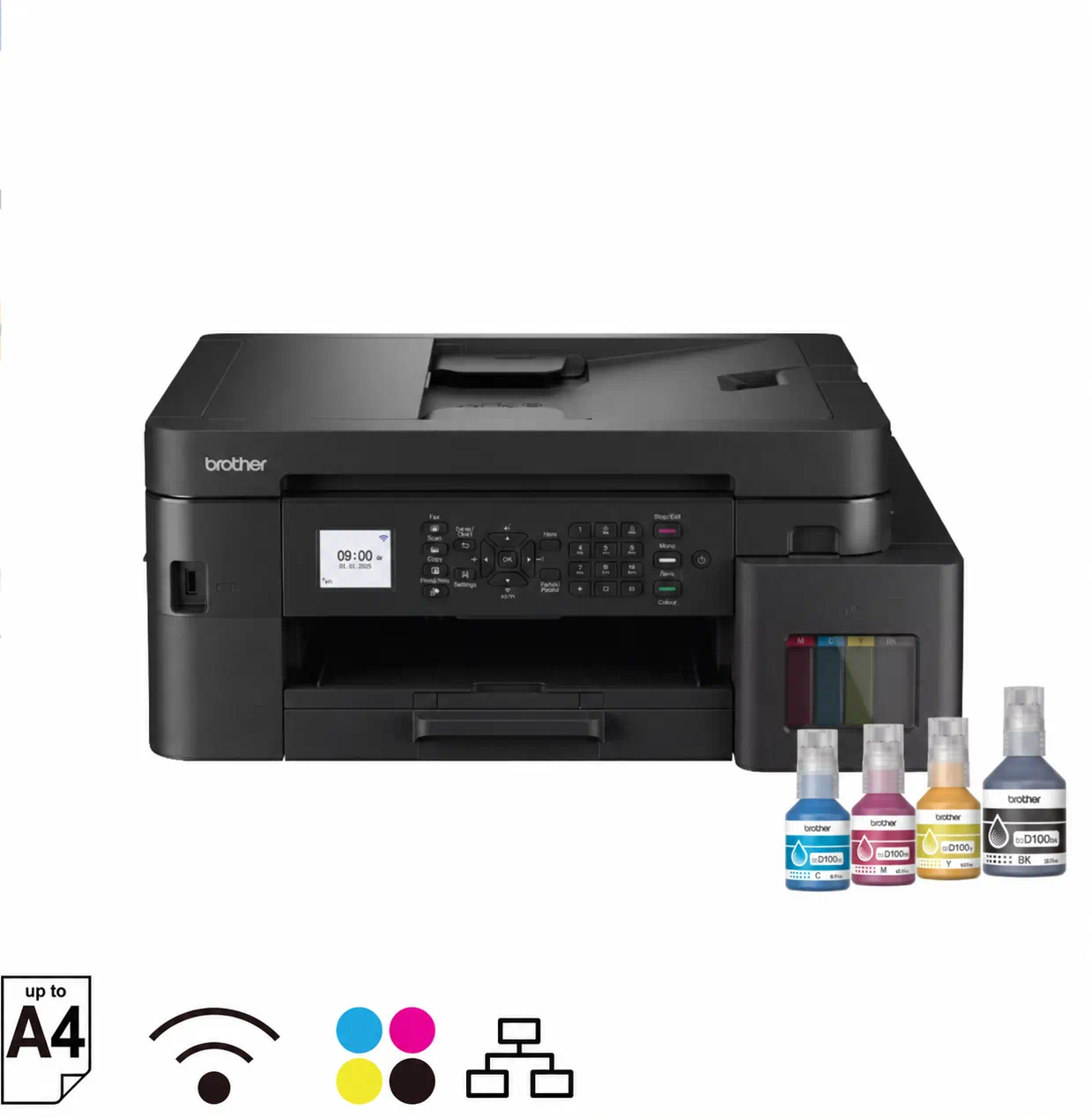
For home offices with high-speed colour printing and scanning needs
Key features: Up to A4 Colour Print/ Scan/ Copy/ Fax (L3760) • Wi-Fi


What Are Printer Running Costs?
Printer running costs are the ongoing expenses of replacement ink or toner, paper and maintenance items such as drums, where applicable. When choosing a home printer, consider both its purchase price and its total cost of ownership.
How Do You Compare Printer Costs?
When comparing Brother ink tank printers and black-and-white laser printers, consider:
- Ink or toner costs: How much do replacement supplies cost?
- Page yield: How many pages are those supplies stated to print?
- Cost per page: Divide the replacement ink or toner price by its stated page yield for a basic consumables estimate.
- Printing volume: How many black-and-white and colour pages will you print each month?
Estimated total cost of ownership = printer purchase price + replacement consumables + applicable maintenance items + paper.
For example, printing 100 pages per month over three years means planning for 3,600 pages. Account for the ink or toner included with the printer when estimating replacement purchases.
A lower purchase price does not always mean lower long-term printing costs. Actual costs and page yields vary depending on what and how much you print.

How Do You Set Up and Maintain Your Brother Printer?
Correct printer setup, Wi-Fi connectivity and routine maintenance help keep home printing convenient and print quality consistent. Follow the instructions for your specific Brother printer model.
How Do You Set Up Wireless Printing?
A wireless printer lets you print without connecting your device directly to the printer by cable, but it still requires initial setup. Follow your model’s wireless printer setup guide to connect the printer to your Wi-Fi network, install any required printer drivers or supported printing app, and complete a test print. Check compatibility with your computer, smartphone or tablet before setting up mobile printing.
How Do You Maintain Your Printer?
Follow your model’s printer maintenance guide for cleaning, replacing ink or toner, and resolving print quality issues. For ink tank printers, use the recommended print head cleaning procedure when needed and avoid unnecessary cleaning cycles. For laser printers, follow the instructions for toner replacement and drum maintenance, where applicable.
What Should You Check if Your Printer Is Not Connecting to Wi-Fi?
Check that the printer is powered on, connected to the intended network and within Wi-Fi range. Confirm that your device’s network connection and printer settings match the setup guide, then consult your model’s wireless troubleshooting instructions if the issue continues.
Frequently Asked Questions (FAQs)
Expand the questions below to find quick answers
-
What type of printer is suitable if I only print occasionally?
Start by identifying whether those occasional pages need colour and whether you require scanning or copying. If your printing is mainly black-and-white text, a monochrome document printer may meet your needs. If you need colour documents or multifunction features, compare suitable colour models instead. Also review the maintenance requirements for the printer technology you are considering.
-
What is an automatic document feeder, and do I need one?
An automatic document feeder, or ADF, feeds multiple sheets into the scanner automatically. It can be useful if you regularly scan or copy multi-page documents because you do not need to place every page individually on the scanner glass. If you mainly scan single pages occasionally, an ADF may be less important when choosing your printer.
-
Do all Brother ink tank models in this guide support automatic two-sided printing?
Yes. The DCP-T530DW, DCP-T730DW, DCP-T830DW and MFC-T930DW shortlisted in this guide all offer automatic two-sided printing. That means duplex printing alone should not determine which of these models you choose. Compare other differences such as automatic document feeding, Ethernet connectivity, paper capacity, display and fax functionality according to your requirements.
-
How can I compare the running costs of two printers?
Use the same expected printing period and page volume for both printers. Estimate your black-and-white and colour page mix, then review the supplies included with each machine and the replacement consumables you may need. Include the printer purchase, replacement consumables, applicable maintenance items and paper rather than comparing only the initial purchase price.
-
What should I check if I want to print photos at home?
First confirm that photo printing is genuinely part of your regular needs rather than choosing a printer based on colour capability alone. Check the individual printer's supported paper types, sizes and relevant print specifications. A printer capable of producing colour business or school documents should not automatically be treated as a dedicated option for photo-focused printing.

Brother MPS: Reduce Costs and Improve Resource Efficiency
As operating costs continue to rise, talent resources become increasingly constrained, and digital transformation accelerates, more businesses in Hong Kong are reassessing how effectively their office resources are being utilized. While companies often focus on expenses such as rent, staffing, and IT infrastructure, printing management is another area that can generate significant yet frequently overlooked costs.

Brother Hong Kong Genuine Products: Why official channels give you more than a lower price
When choosing a printer, label printer, sewing machine or consumables, many customers compare prices across different channels. A common question is: “Is it really worth buying through Brother Hong Kong official channels?”
In fact, buying through official channels is not just about the product itself. It also means local support, genuine quality and after-sales protection designed for the Hong Kong market. The advantages below can help you make a more confident choice.
Printing Smarter for a Greener Future | Brother Ink Tank
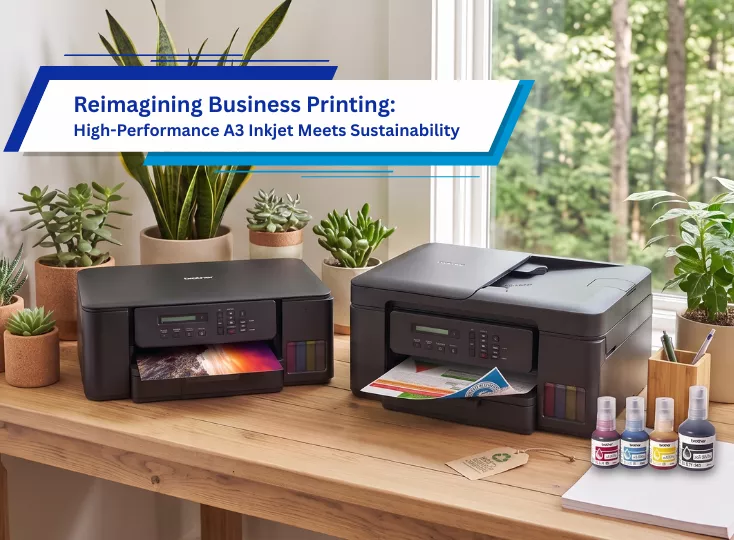
In today's world, sustainability is no longer just a corporate goal—it has become a shared responsibility for businesses, families, students, and home office users alike. While printing remains an essential part of daily life, the environmental impact of traditional printing solutions is often overlooked.

Subscribe for Blog update